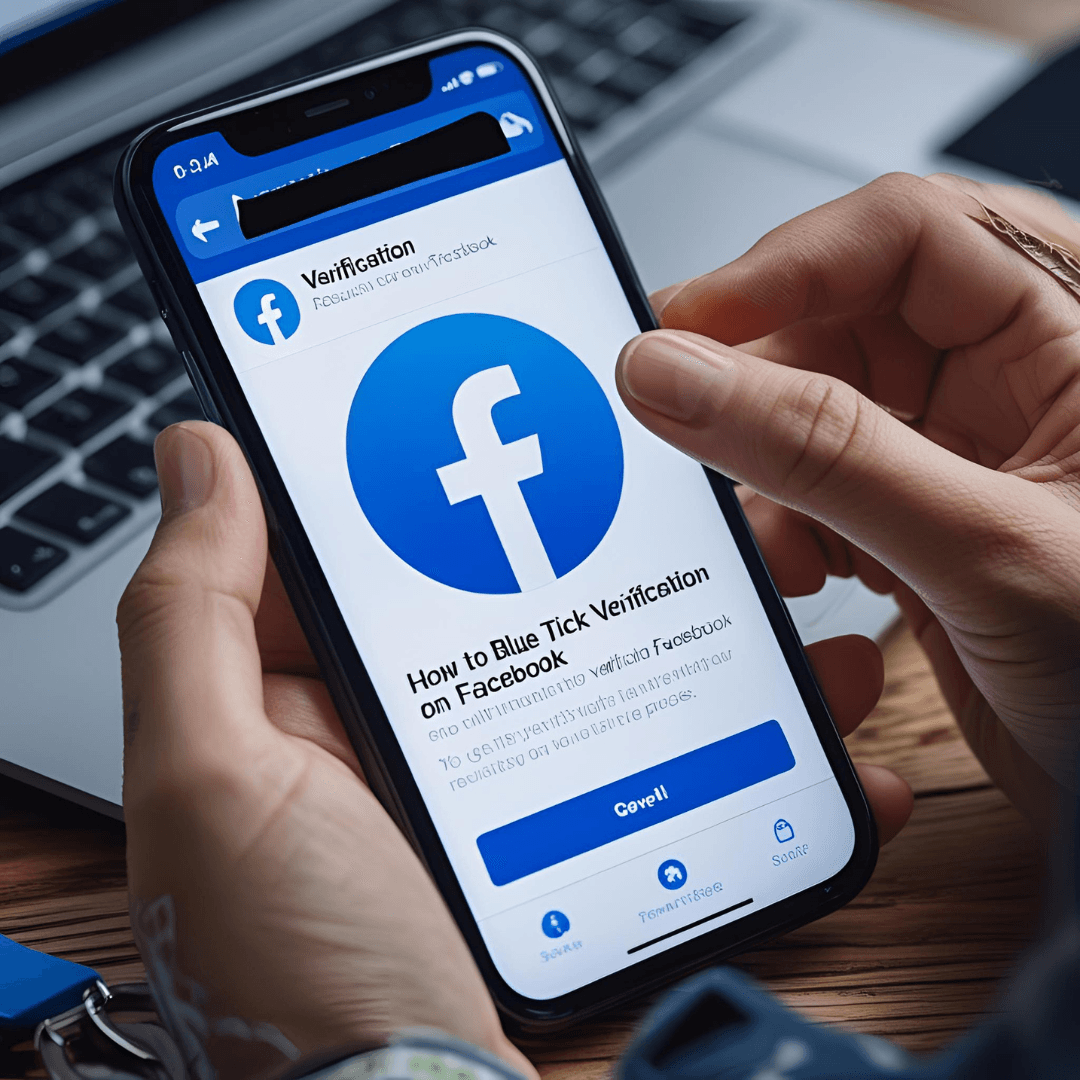
Here’s how to get the blue verification badge on Facebook in 2025, including both the traditional (free) verification path and Meta’s paid Meta Verified program, along with real-user feedback.
1. Option A: Traditional (Free) Facebook Verification
This route is still available—if you’re a notable public figure, brand, or organization—though it’s more selective.
Requirements:
- Authenticity: Your account must represent a real person, business, or entity.
- Complete Profile: Include a profile picture, cover photo, bio, contact info, and regular activity.
- Notability: Show evidence of public interest—media coverage, notable following, presence in your field.
- Compliance: Your account must follow Facebook’s Community Standards and Terms of Service.
Steps to Apply:
- Go to Settings & Privacy → Settings → Page/ Profile Verification.
- Complete the form: choose your page/profile, upload ID (for individuals) or business documents, and supply other details like category, links, and public references.
- Submit and wait—Facebook may reject it immediately or review manually. Waiting times vary.
- On rejection, you can reapply after 30 days.
Pro Tips:
- Strengthen your presence with high-quality, consistent content and engagement.
- Include credible references like media articles or reputable websites.
- Ensure your documents are clear, accurate, and match your profile details.
2. Option B: Meta Verified (Paid Subscription)
Meta now offers a subscription-based verification service that unlocks the blue tick—and more.
What’s Included:
- A blue verification badge.
- Impersonation monitoring, enhanced security, and access to Meta support.
- Special features like exclusive stickers and more visibility.
Eligibility & Pricing:
- Available in supported regions; parties outside these must join a waitlist.
- Must enable Two-Factor Authentication and submit a government-issued ID.
- Businesses require additional setup via Meta Business Suite and must meet activity criteria.
- Pricing (as of earlier rollouts):
- ~$11.99/month (web)
- ~$14.99/month (iOS/Android), with bundled Facebook & Instagram.
3. Real-World Feedback (from Reddit):
- Delays & Pending Status: “…after over 120 hours, my verification status remains ‘pending,’ despite their claim of a 48-hour processing time.
- No Support Access (despite promise): “…My Facebook account has been successfully verified… but I cannot get email or chat support.
- Unexpected Loss of Badge:
Business users sometimes lose verification unexpectedly: “[After] document verification… we lost our Meta Verified status and got stuck on the waiting list. - Business Eligibility Confusion:
Some found Meta Verified better suited for individuals, making business verification tricky: “…Meta Verified requires you to have your legal name as the account name and face as profile photo.
However, Meta Verified for Business does grant the blue tick:
“From the Meta Verified for Business page… This plan includes… Verified badge, Impersonation protection, Meta Support. - Slow or No Response:
Support and waitlist frustrations are common: “They always say 48-72 hours and then nothing. I have wasted my money on Meta Verification.
Summary Table:
| Method | Cost | Best For | Key Considerations |
|---|---|---|---|
| Traditional (Free) Verification | Free | Notable individuals/brands | Harder to qualify, submits proof of notability, slower but no cost. |
| Meta Verified (Paid) | ~$12–15/month | Most users, individuals & businesses (sub plan) | Faster, includes extra perks—but delays, inconsistent support, and eligibility issues reported. |