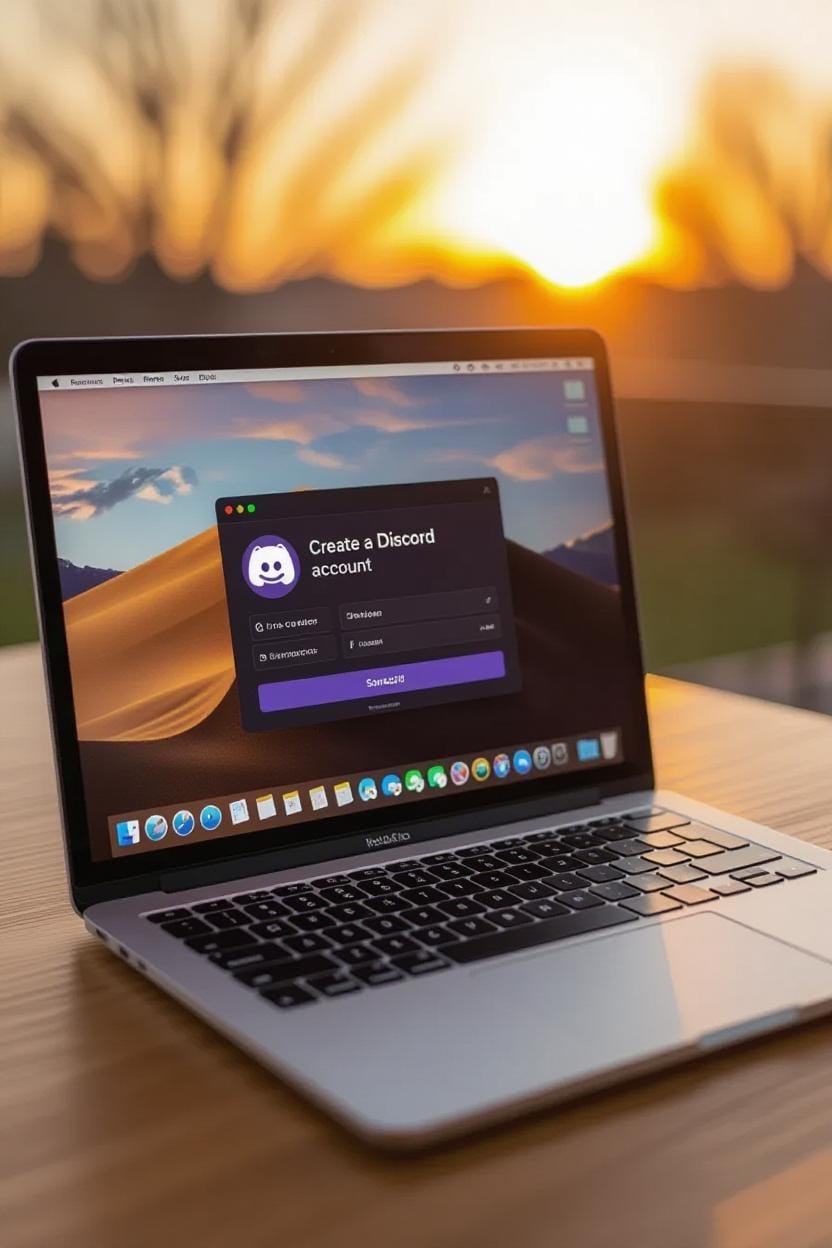
Discord has grown from a small gaming chat app into one of the most popular communication platforms in 2025. Whether you’re a gamer, student, professional, or community builder, Discord offers a seamless way to connect through text, voice, and video. With millions of active users worldwide, it has become the go-to platform for communities, businesses, and creators.
If you’re new to Discord and wondering how to create a Discord account in 2025, you’re in the right place. In this detailed guide, we’ll walk you through every step—from signing up to customizing your profile and joining servers. By the end, you’ll be ready to explore everything Discord has to offer.
Why Use Discord in 2025?
Before we dive into the account creation process, let’s understand why Discord is so popular in 2025:
- Cross-Platform Availability – Available on Windows, macOS, Android, iOS, Linux, and web browsers.
- Free and Paid Options – Use it for free or upgrade to Discord Nitro for added perks like better streaming quality and custom emojis.
- Community Building – Perfect for managing large or small communities, from gaming clans to study groups.
- Work Collaboration – Many startups and remote teams now use Discord for daily communication.
- Privacy & Security – Enhanced security features like two-factor authentication (2FA) and spam filters.
- Endless Customization – Custom usernames, avatars, themes, and server roles.
Step-by-Step Guide to Creating a Discord Account in 2025
Creating a Discord account is simple and free. Follow these steps to get started:
1. Visit the Discord Website or Download the App
- Go to the official Discord website: https://discord.com.
- You can either use Discord on your browser or download the Discord app for your device.
- Apps are available on Google Play Store, Apple App Store, and Windows/Mac/Linux desktops.
Tip: The desktop or mobile app offers a smoother experience compared to the browser version.
2. Click on “Sign Up”
- On the homepage or app, you’ll see a “Sign Up” button.
- Click it to start the registration process.
3. Enter Your Basic Information
Fill in the registration form with the following details:
- Email Address – Use a valid email that you have access to.
- Username – Pick a unique username (you can customize it later).
- Password – Choose a strong password with numbers, letters, and symbols.
- Date of Birth – Must be at least 13 years old to use Discord (or older, depending on local laws).
Once filled, click “Continue.”
4. Verify Your Email Address
- Discord will send a verification email.
- Open your email inbox and click the “Verify Email” button.
- This step is crucial to secure your account and access all features.
5. Set Up Your Profile
After verification, personalize your account:
- Upload a Profile Picture (Avatar).
- Add a Bio.
- Choose a Display Name (if different from your username).
You can always update these settings later.
6. Secure Your Account
To keep your account safe in 2025, enable security features:
- Two-Factor Authentication (2FA) using Google Authenticator or Authy.
- Strong Password with regular updates.
- Device Verification for new logins.
7. Start Exploring Discord
Now that your account is ready, you can:
- Join Servers using invite links.
- Create Your Own Server to build a community.
- Send Friend Requests using Discord tags.
- Use Voice/Video Chat to connect instantly.
Creating a Discord Account on Mobile (2025 Guide)
If you prefer using Discord on your smartphone, here’s the process:
- Download the Discord app from Google Play Store (Android) or App Store (iOS).
- Open the app and tap “Sign Up.”
- Enter your email, username, password, and date of birth.
- Tap “Create Account.”
- Check your email and verify your account.
- Set your profile picture and bio.
- Start joining or creating servers.
Pro Tip: Mobile users can also enable push notifications to never miss a message.
Creating a Discord Account Without Email (Using Phone Number)
In 2025, Discord allows sign-up with a phone number:
- Open the Discord app or website.
- Click “Sign Up with Phone Number.”
- Enter your mobile number and verify it with the OTP.
- Choose a username and password.
- Complete profile setup.
This method is faster, but email verification is still recommended for recovery.
Common Problems While Creating a Discord Account
Here are some issues you might face and how to fix them:
- Invalid Email Address – Make sure your email is active and spelled correctly.
- Weak Password Error – Use at least 8 characters with numbers and symbols.
- Age Restriction – Users under 13 (or local minimum age) cannot create accounts.
- Verification Email Not Received – Check your spam/junk folder.
- Phone Number Already Used – Each number can only be linked to one account.
How to Customize Your Discord Account After Creation
Once your account is active, you can customize it for a better experience:
- Change Username: Go to Settings > My Account > Edit.
- Set a Custom Avatar: Upload any image or GIF.
- Status Updates: Set custom statuses like “Available,” “Do Not Disturb,” or personal messages.
- Privacy Settings: Control who can send you friend requests or DMs.
- Connect Social Accounts: Link Spotify, YouTube, Steam, Twitch, and more.
Discord Nitro – Should You Upgrade in 2025?
While Discord is free, many users upgrade to Discord Nitro for extra features. Benefits include:
- HD video streaming (up to 4K).
- Animated profile pictures.
- Global custom emojis.
- Increased upload limits (up to 500MB).
- Special Nitro badge.
If you plan to use Discord heavily—whether for gaming, streaming, or business—Nitro is worth considering.
Safety Tips for Discord in 2025
To keep your account secure:
- Never share your login details.
- Avoid clicking suspicious links or invites.
- Enable 2FA authentication.
- Regularly update your password.
- Use Discord’s privacy settings to limit unwanted messages.
Benefits of Having a Discord Account in 2025
- Join communities of any interest.
- Connect with friends through free voice/video calls.
- Organize study groups or work teams.
- Enjoy ad-free communication.
- Use bots to automate tasks in servers.
- Stream games, movies, or music.
Final Thoughts
Creating a Discord account in 2025 is fast, easy, and completely free. Whether you want to connect with friends, join gaming communities, or build your own server, Discord gives you everything you need in one platform. By following the steps in this guide, you’ll have your account set up in minutes—ready to explore one of the most powerful communication platforms of the modern internet.
So, go ahead and create your Discord account today—your community is waiting for you!
SEO Keywords to Target
- How to create a Discord account in 2025
- Discord sign-up guide 2025
- Create Discord account without email
- Discord Nitro benefits 2025
- Step-by-step Discord account setup