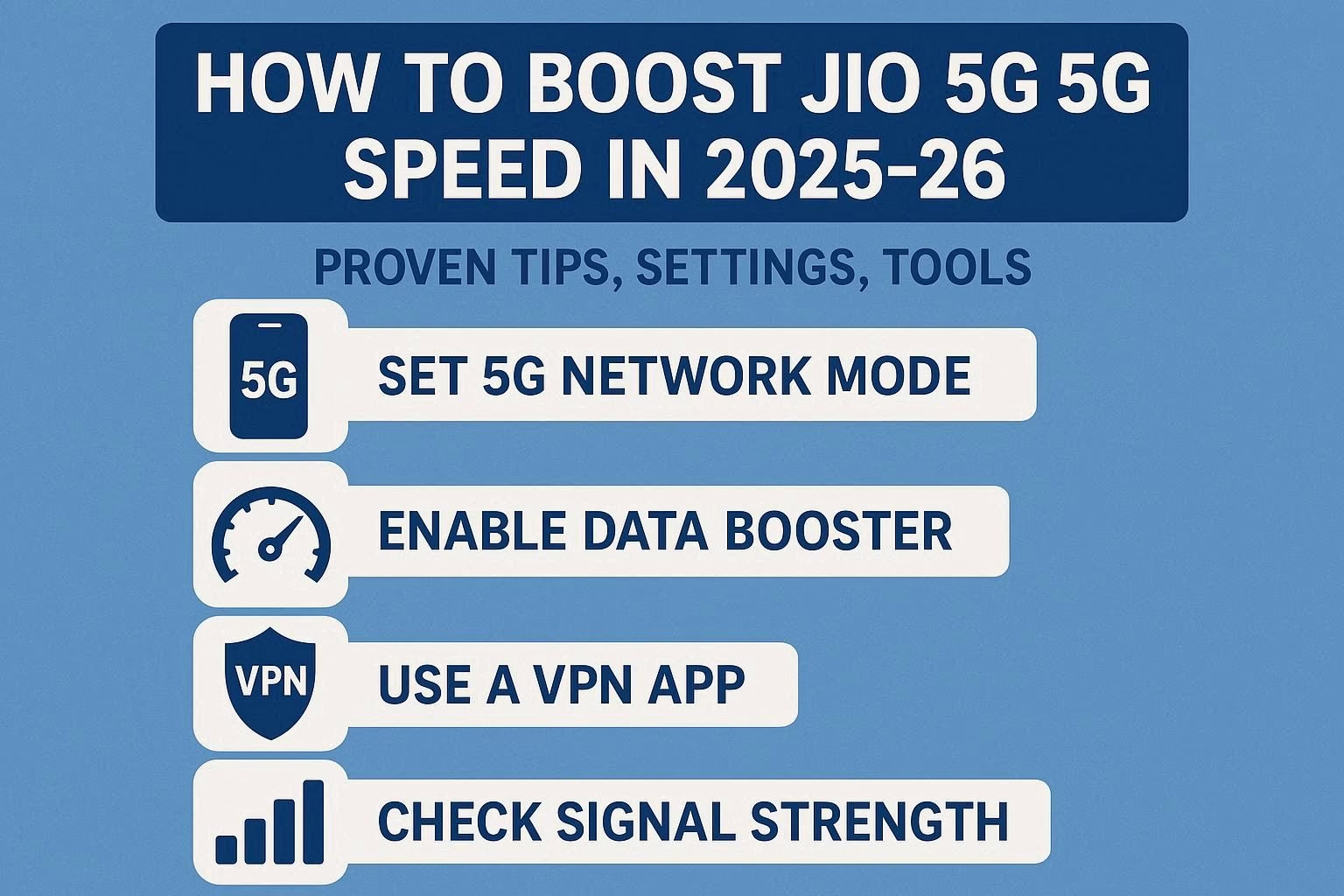
5G on Jio is no longer an experimental toy — in 2025 it’s a mature, nationwide service with features (like standalone 5G and VoNR) that change how voice and data behave. But real-world speed depends on many moving parts: your device, SIM, APN and network bands, local cell capacity, router/wifi choices at home, and even the apps you run. This article explains practical, legal, and safe ways to get the best Jio 5G speed possible in 2025–26, from one-line fixes to advanced optimizations.
What changed in 2025 that affects speed
- Reliance Jio has accelerated its standalone (SA) 5G deployments and rolled out country-wide VoNR (voice over 5G) which reflects a deeper 5G SA core presence — that affects how devices stay on 5G and how congestion/fallback behave.
- Carriers in India (including Jio) balance coverage using low bands (for reach) and mid/high bands (for capacity). Knowing which band your device is using helps explain why speeds vary by location.
Quick wins — immediate checks (5–10 minutes)
- Restart your phone and re-seat the SIM. Simple but often effective — it forces a fresh attach to the best local 5G cell.
- Confirm you’re on an active 5G plan and have 5G signal bars. If your plan or local provisioning isn’t 5G-enabled, you’ll be stuck on 4G. (Check MyJio app or JioCare).
- Turn airplane mode on for 10 seconds, then off. This re-negotiates radio connection and can move you to a less congested cell sector.
- Check for software updates for phone and carrier settings. Manufacturers and carriers push radio/firmware updates that improve 5G stability and speeds.
- Run a speed test (at least 2–3 times) and note times/locations. Use Speedtest by Ookla or nPerf to capture baseline numbers (we’ll compare later).
Device-level optimizations
1. Use a 5G-capable, up-to-date phone
- Not all “5G” phones support the same bands. Buy/keep devices that support Jio’s common bands (e.g., n78/n28 and whatever mid-band Jio uses locally). Devices with broader band support more reliably hit high speeds.
2. Enable 5G-only or 5G/Auto mode (carefully)
- Many phones default to “5G/4G auto.” If you’re in a dense urban area with strong 5G coverage, switch to 5G only in developer or network settings for a stable 5G attach. In weak coverage areas this can cause poor connectivity, so toggle back if you see frequent drops.
3. Check and configure APN correctly
- Use the official Jio APN values (
Name: Jio 5G or JioNet,APN: jionet, APN protocol IPv4/IPv6, bearer: NR (5G) or unspecified). Wrong APN or a corrupted profile can throttle or block advanced 5G features. Always reset to default then re-enter if suspicious.
4. Remove background throttlers
- Close heavy background apps (cloud backups, P2P apps, large streaming uploads) when you need peak speed. Android’s battery savers or app battery limits may throttle background throughput — disable them temporarily.
5. Use a modern browser or app for tests
- Some browsers or apps can be CPU-bound or limited by QUIC/TCP stacks. For reliable speed tests use well-known apps (Ookla, nPerf) and avoid browsers with aggressive data-saving features while testing.
Network & SIM tips
1. Keep SIM firmware (carrier settings) updated
- Carrier settings pushed by Jio include RF parameters. Installing them helps your phone make better band/mode choices. Check Settings → About phone → Carrier settings (or MyJio prompts).
2. Use the correct SIM slot (for dual-SIM phones)
- Some dual-SIM phones only enable 5G on one slot. Put your Jio SIM in the slot that supports 5G.
3. Replace old SIMs (if >5 years)
- Older SIMs may not be optimized for 5G signaling; ask Jio for a replacement if your SIM is very old.
4. Know the bands and lock/unlock wisely
- Advanced users can check which NR band (e.g., n78) they’re attached to via network signal info apps. If your phone supports band-locking, you can test attachment to a specific band to compare throughput — but be cautious: locking to a single band can worsen experience if that band’s coverage is poor.
Home & indoor speed boosts
1. Prefer Wi-Fi 6 routers for heavy indoor use
- If you use a Jio router or your own Wi-Fi, upgrade to a modern Wifi 6 (802.11ax) router to avoid the Wi-Fi being the bottleneck. Jio’s Wi-Fi 6 router supports smart load balancing and mesh options for large homes. Jio
2. Use mesh or additional APs for dead zones
- Thick walls, appliances, and distance kill speed. Add a mesh node or wired access point rather than relying on a single router broadcasting from one corner.
3. Place router high and central; avoid interference
- Keep routers elevated, away from microwaves and baby monitors. Use 5 GHz (or Wi-Fi 6 bands) for devices that need throughput; keep 2.4 GHz for long-range sensors.
4. Use Ethernet for stationary high-bandwidth devices
- For gaming rigs, TVs, and streaming boxes, wired gigabit Ethernet eliminates wireless variability.
Advanced mobile settings and tricks
1. Use network analyzer apps (diagnose, don’t fiddle blindly)
- Apps like Network Cell Info or CellMapper show signal strength, neighboring cells, and carrier load patterns. Use data to pick the best indoor location for speed.
2. Optimize for latency-sensitive tasks
- For cloud gaming or video calls, reduce background sync, switch off auto-updates, and if available, enable QoS (Quality-of-Service) on your router for those devices.
3. Try DNS optimizations
- Use fast, reliable DNS (e.g., provider’s recommended or public ones like Google/Cloudflare) — it won’t increase raw Mbps but can reduce page load times and perceived speed.
4. Limit simultaneous heavy tasks on the same cell
- Household members streaming, large cloud backups, and OS updates on the same cell sector can saturate capacity. Stagger heavy tasks where possible.
Carrier features & what they mean for you
- VoNR & 5G SA: Jio’s rollout of VoNR and its 5G SA core means voice stays on 5G (no fallback to 4G), and networks can manage data+voice more efficiently — this often translates to better reliability and sometimes lower latency for apps. If VoNR is enabled on your phone and network, you may notice fewer interruptions and more consistent data during calls.
- Network upgrades & capacity events: Jio periodically adds capacity and optimizes cells — watch MyJio announcements and local news for planned upgrades in your area.
Troubleshooting — if your speed is still poor
- Swap locations. If speed is fine outdoors but poor indoors, it’s a coverage/penetration issue. Try near a window.
- Test with another phone/SIM. Narrow down whether it’s device or SIM/network specific.
- Factory reset network settings. This clears corrupt profiles and forces fresh provisioning.
- Contact Jio support with speed-test logs. Provide timestamps and exact speed test links — Jio can check local cell logs and provisioning.
- File a network complaint (escalate if needed). If speeds stay chronically low at multiple times, escalate via MyJio or customer care. (Keep your speed-test history as evidence.)
Safety, legality, and what not to do
- Don’t use unauthorized apps that claim to “boost” network speed (these are usually scams or battery-hogging wrappers).
- Don’t attempt illegal modifications of baseband or radio firmware. Bricking your phone or violating regulations can permanently damage hardware and void warranties.
- Avoid third-party “band unlock” tricks unless you know exactly what you’re doing. They can disrupt carrier functionality and won’t magically create spectrum.
Tools & apps to keep handy
- MyJio — for plan, provisioning, and official support.
- Ookla Speedtest / nPerf — for reliable speed measurements.
- Network Cell Info / CellMapper — advanced signal/band diagnostics.
- Phone manufacturer update check — keep firmware current.
Sample daily routine to keep Jio 5G fast (practical checklist)
- Morning: quick speed test in the room you use most → if < expected, restart modem/phone.
- Weekly: check MyJio for updates/offers; update phone carrier settings.
- Monthly: check router firmware, clear heavy app caches, and test in multiple rooms to identify dead spots.