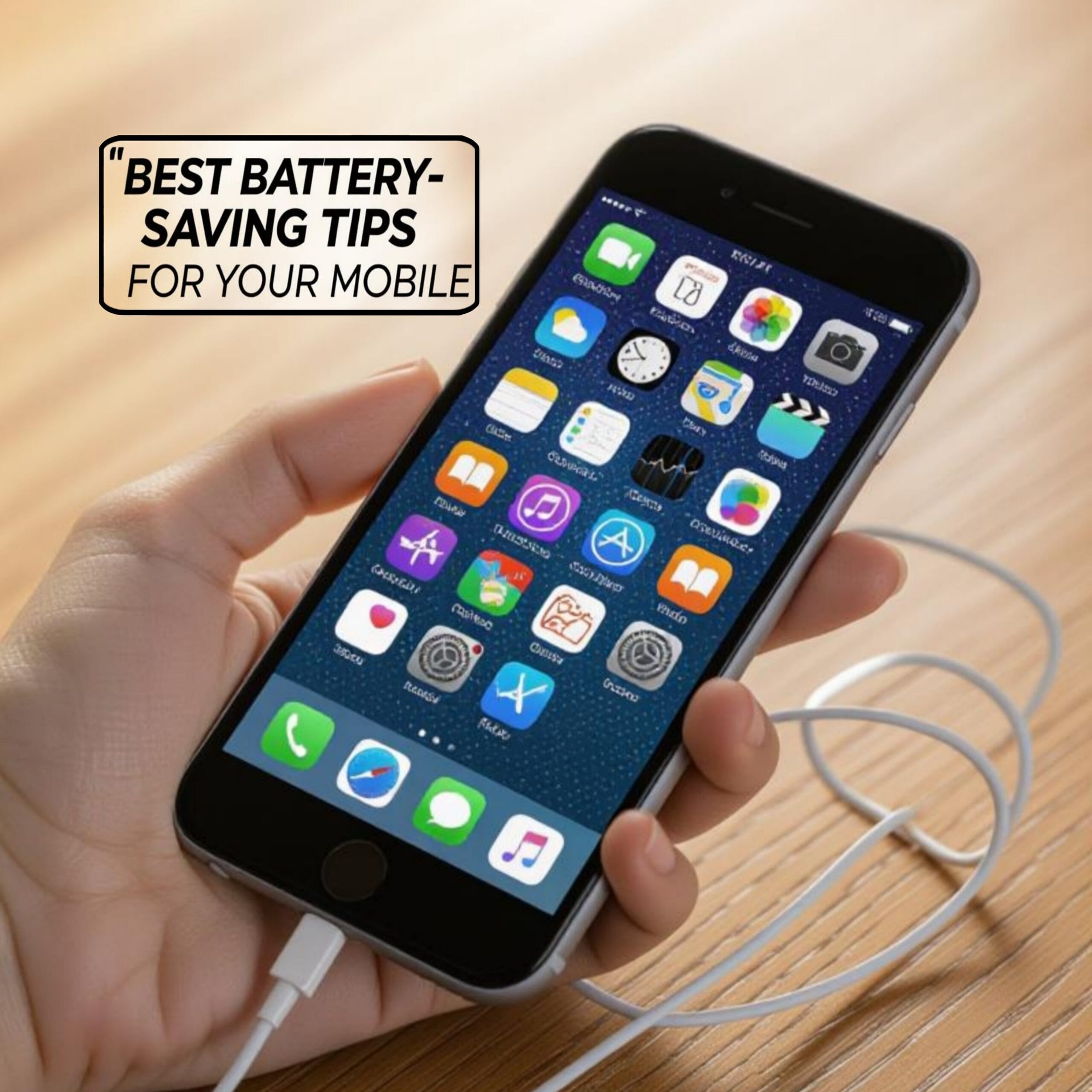
Smartphones in 2025 are more powerful than ever, but even with advanced batteries, heavy usage can still drain them quickly. Whether you’re using 5G/6G, gaming, or multitasking with AI features, battery optimization is a must. Here are the best battery-saving tips to keep your phone running longer in 2025:
🔋 1. Use Adaptive Battery AI
Most 2025 smartphones come with AI-powered adaptive battery. Enable this feature to let your phone learn your usage patterns and limit power for rarely used apps.
🌙 2. Turn on Dark Mode
With AMOLED and LTPO displays, dark mode saves significant power. Use system-wide dark theme and dark wallpapers to extend battery life.
📶 3. Optimize 5G/6G Usage
Ultra-fast networks drain more power. Switch to Smart 5G/6G mode or Auto Data Saver when you don’t need maximum speed.
📴 4. Disable Always-On Display
Always-On Display looks cool but consumes energy. In 2025, most phones allow scheduled AOD—keep it active only during the day.
📱 5. Close Background AI Assistants
Many 2025 mobiles run AI assistants continuously. Disable “always listening” features if you don’t need them to save both battery and privacy.
🌡 6. Keep Your Phone Cool
High-performance gaming and charging heat up batteries. Use cooling modes or avoid direct sunlight—heat reduces efficiency and long-term battery health.
🔌 7. Use Smart Charging
Phones now come with AI Charging Protection. Turn it on to slow down charging at night and prevent overcharging. This maintains long-term battery health.
⚙️ 8. Manage Background Apps
Restrict apps from refreshing in the background. Most 2025 Android & iOS devices have Battery Manager dashboards to control power-hungry apps.
📷 9. Turn Off High-Refresh Rate When Not Needed
120Hz–144Hz displays look great but consume extra battery. Switch to adaptive refresh rates when not gaming.
✈️ 10. Use Airplane Mode in Low Signal Areas
When signal is weak, your phone works harder to connect. In low-signal areas, enable airplane mode to save battery.