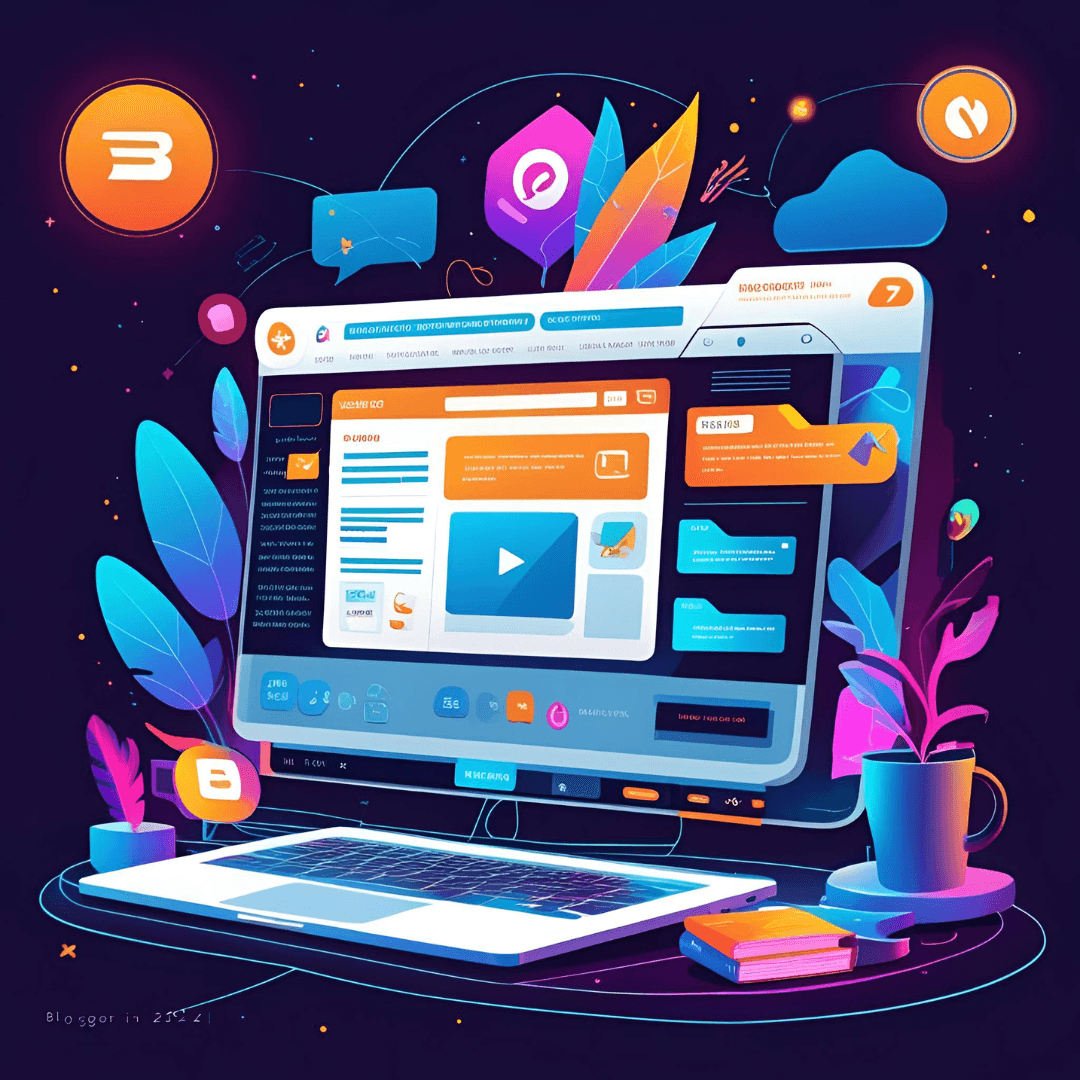
Creating a free blog on Blogger in 2025 is a straightforward process that requires no coding skills and allows you to share your ideas with the world. Blogger, owned by Google, is a user-friendly platform ideal for beginners due to its simplicity and integration with Google services. Below is a step-by-step guide to help you set up your blog on Blogger, based on the latest available information.
Step-by-Step Guide to Create a Free Blog on Blogger in 2025
Step 1: Sign Up for a Google Account
- Requirement: You need a Google account to use Blogger.
- Action: If you already have a Gmail account, you can use it. If not, visit accounts.google.com and follow the instructions to create a free Google account. This takes just a few minutes and requires basic information like your name, email, and password.
Step 2: Create a New Blog on Blogger
- Navigate to Blogger: Go to www.blogger.com.
- Sign In: Click the “Sign In” button and log in with your Google account.
- Start a Blog: Click the “Create New Blog” button on the Blogger homepage.
- Set Blog Details:
- Title: Enter a name for your blog (e.g., “My Travel Adventures”). This is the display name that appears on your blog.
- URL: Choose a unique blog address (e.g., myblog.blogspot.com). Check availability; if the URL is taken, you’ll see a warning and need to try a different name.
- Template: Select a basic template from the available options. You can change this later, so don’t worry about perfecting it now.
- Finalize: Click “Create Blog” to set up your blog.
Step 3: Customize Your Blog
- Access Customization: Once your blog is created, you’ll land on the Blogger dashboard. Go to the “Theme” or “Layout” section in the sidebar to customize.
- Choose a Theme: Blogger offers a variety of free templates. Pick one that suits your niche (e.g., travel, food, tech). You can preview themes and customize colors, fonts, and layouts to match your style.
- Add Widgets: Enhance functionality by adding widgets like social media buttons, a search bar, or an email subscription form. Access this in the “Layout” section.
- Header Image: Upload a custom header image to personalize your blog. Choose an image that reflects your blog’s theme for a professional touch.
- Tip: Keep the design simple and user-friendly to ensure a good reader experience.
Step 4: Create Your First Blog Post
- Start Writing: From the Blogger dashboard, click “New Post” in the sidebar.
- Write Content: Enter a catchy title and write your post in the content editor. Add images, videos, or links to make it engaging.
- SEO Optimization: Use relevant keywords in your title and content naturally. Set a custom permalink (URL) for your post to make it SEO-friendly (e.g., myblog.blogspot.com/2025/my-first-post).
- Labels: Add labels (tags) to categorize your post (e.g., “travel tips,” “recipes”).
- Publish: Once satisfied, click “Publish” to make your post live.
Step 5: Promote Your Blog
- Social Media: Share your posts on platforms like Facebook, Twitter, or Instagram to reach a wider audience.
- Engage with Readers: Respond to comments on your blog to build a community.
- SEO Strategies: Use keywords, internal links, and high-quality images to improve search engine rankings. Avoid keyword stuffing to maintain readability.
- Collaborate: Comment on other blogs in your niche or collaborate with bloggers to drive traffic.
- Pinterest: Create eye-catching pins to promote your posts, as Pinterest is a powerful traffic driver for blogs.
Step 6: Optional Monetization
- Google AdSense: Once your blog gains traction (typically 300–400 unique daily visitors), apply for Google AdSense via the “Earnings” tab in the Blogger dashboard. This allows you to earn money from ads displayed on your blog.
- Affiliate Marketing: Promote products relevant to your niche and earn commissions through affiliate links.
- Tip: Focus on creating high-quality, consistent content for 4–6 months before applying for AdSense to increase approval chances.
Additional Tips for Success
- Content Quality: Write engaging, value-driven content that resonates with your audience. Share personal experiences to make posts relatable, avoiding generic or “fluff” content.
- Consistency: Publish regularly (e.g., weekly) to build authority and retain readers.
- Custom Domain: While Blogger provides a free .blogspot.com subdomain, consider purchasing a custom domain (e.g., yourblog.com) from providers like Hostinger for a more professional look. You can connect it to Blogger later.
- Analytics: Use Google Analytics and Google Search Console (integrated with Blogger) to track traffic and performance.
Why Choose Blogger in 2025?
- Free: No hosting or setup costs, making it ideal for beginners.
- Google Integration: Seamless connection with Google tools like AdSense, Analytics, and Search Console.
- Ease of Use: Simple interface with no technical skills required.
- SEO-Friendly: Optimized for search engines, helping your blog rank better.